
Desk Work and Back Discomfort: A Practical Workstation Checklist
A practical workstation checklist for more comfortable computer work.

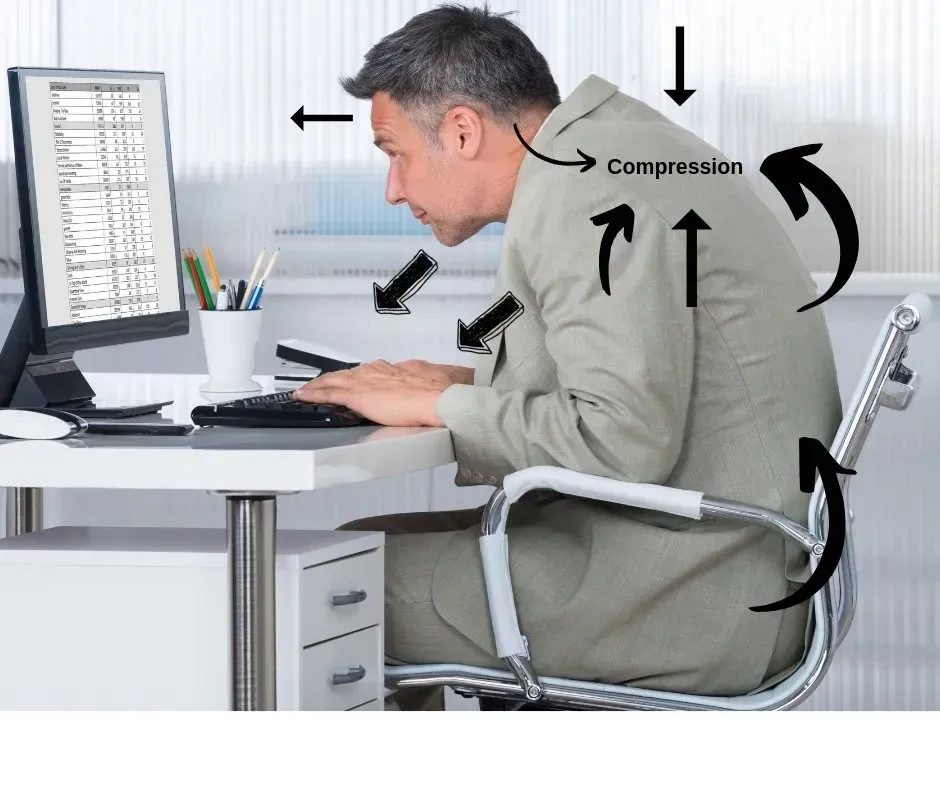
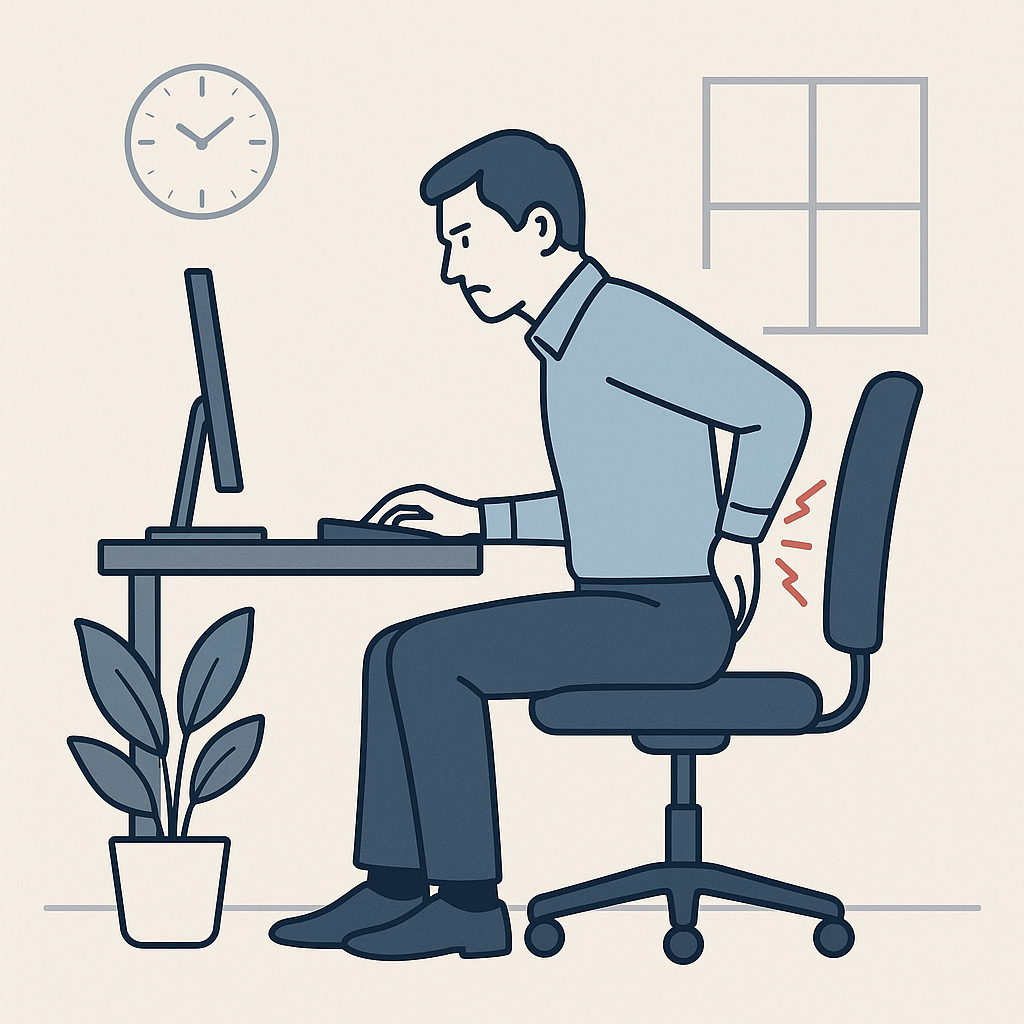
If computer work leaves your back or neck uncomfortable, look at both your workstation and how you use it. A small change in screen position, keyboard reach or task routine may make the day easier. Desk work is one possible contributor to symptoms, but it is not the only explanation for back pain.
Put Your Main Screen in Front of You
Try placing the screen you use most directly ahead, with the top at or slightly below eye level. Use a viewing distance and text size that let you read comfortably without leaning forward. If you wear bifocals or progressive lenses, you may need a lower screen position to avoid tilting your head back.
With two monitors, avoid spending long stretches turned toward a screen off to one side. Arrange them around the tasks you do most often.
Keep the Keyboard and Mouse Within Easy Reach
Position them so your shoulders can relax and your elbows stay comfortably near your body. Make room for your legs under the desk and support your feet if they do not reach the floor. Adjust the chair, desk and screen together rather than changing only one item.
Give Laptop Work a Better Setup
For longer sessions, an external keyboard and mouse let you adjust the laptop screen separately. Before buying equipment, check whether rearranging what you already have improves comfort. A couch or kitchen chair may work for a short task but may be difficult to adjust for a full workday.
Look Beyond the Chair
If you take frequent calls, consider a headset or speakerphone when practical so you do not hold the phone between your shoulder and ear. Keep paperwork you regularly refer to close to the screen to reduce repeated turning.
Alternate computer tasks with other work when possible. Use natural pauses to walk briefly or change position. If standing is difficult, try a comfortable seated position change. A workstation that fits you still benefits from variety throughout the day.
Make One Change and Review It
Try one adjustment for several workdays and notice whether the task feels easier. Keep a short note of when symptoms appear and which changes help. If you work for an employer, ask whether a workstation assessment or adjustment is available.
For more everyday movement ideas, read Sitting All Day? Simple Ways to Stay Comfortable.
When to Arrange an Evaluation
If discomfort persists, worsens or keeps interrupting work or sleep, arrange an evaluation. New weakness, persistent numbness, pain after an injury or symptoms with fever need prompt medical attention. New bowel or bladder control problems or numbness around the groin require urgent care.
Discuss Your Symptoms With Dr. Graham
Dr. Tamara Graham, DC provides chiropractic care in Clifton Park and South Cairo. She can assess your symptoms, discuss whether chiropractic treatment is appropriate and recommend further evaluation when needed.
Learn about chiropractic care at Graham Chiropractic.
Call Clifton Park at (518) 371-5422 or South Cairo at (518) 622-3960, or send an appointment request.
Submitting a request does not confirm an appointment. We will contact you to finalize scheduling.
Further reading: OSHA: Computer Workstation Evaluation Checklist.